Round up your family, friends, date, or coworkers and choose one person to be your Team Captain. The Team Captain will launch the treasure hunt, register your team, and share the game link or QR code with anyone who wants to follow along on their own phone.
Book Your Treaure Hunt
Choose your favorite Cincinnati Treasure Hunt, select a date and time that works for your group, and reserve your adventure online.
Head To The Starting Point
Each treasure hunt begins at a designated starting location. Simply make your way there a few minutes before your scheduled adventure begins. You can find your starting point in our website or in your launch email.
Open The Game Link or Scan QR Code
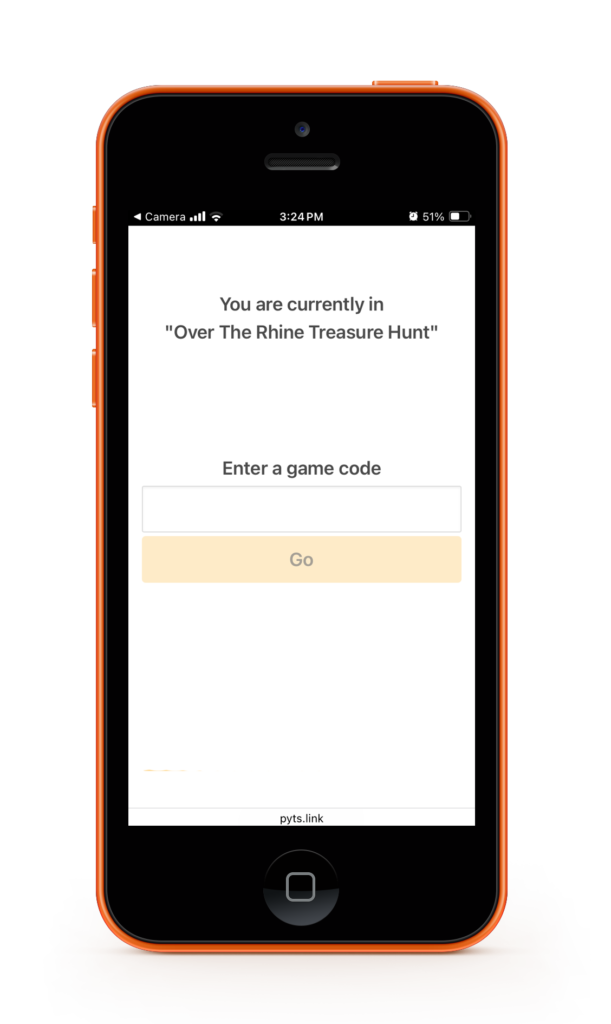
At the starting point, the Team Captain opens the treasure hunt by clicking the game link and entering the game code from the launch email we sent you.
Complete Registration
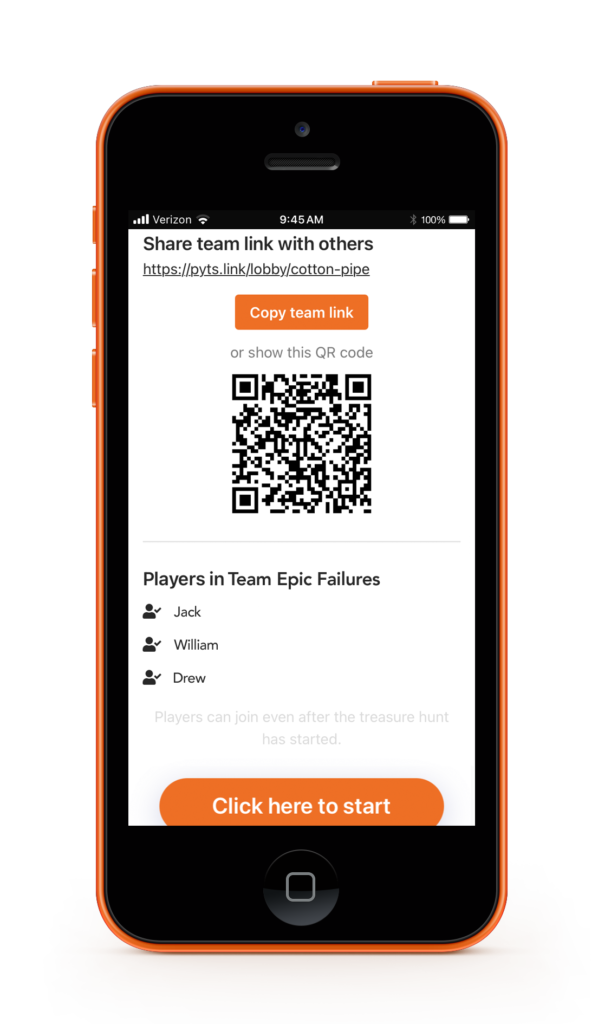
The Team Captain checks the agreement box, enters their name, and a team name to register the group before the adventure begins. Team Captains is given a QR code or game link for others to join.
Share Game Link or QR Code
Want to follow along on your own phone? Scan the QR code from the Team Captain’s phone or open the game link they share with you to join the adventure on your own device.
Start Your Treasure Hunt
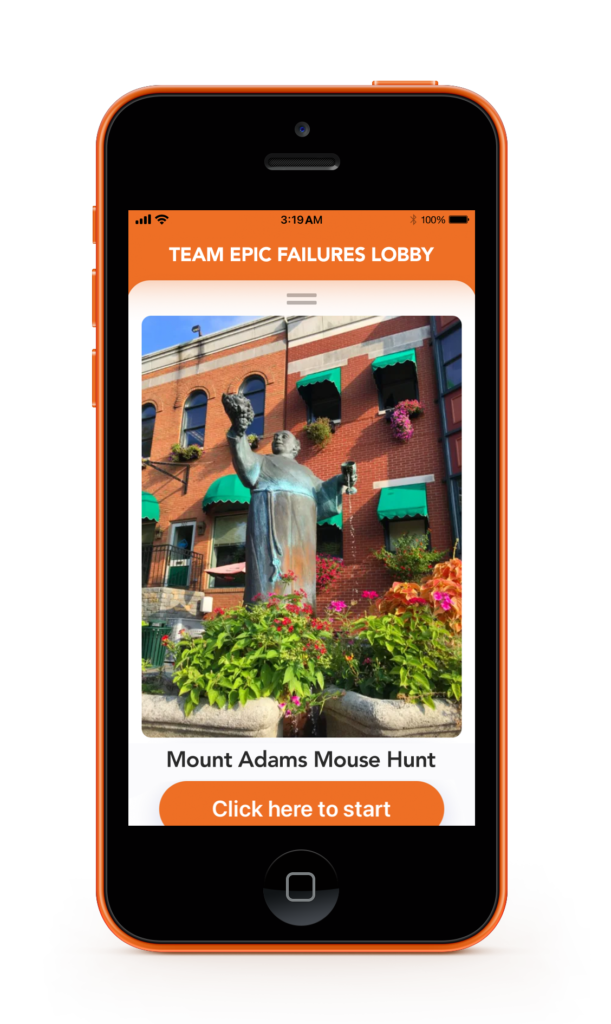
Everything is set! Tap Click Here to Start and begin solving riddles, completing challenges, and discovering Cincinnati’s hidden gems and landmarks.
Check the Leaderboard
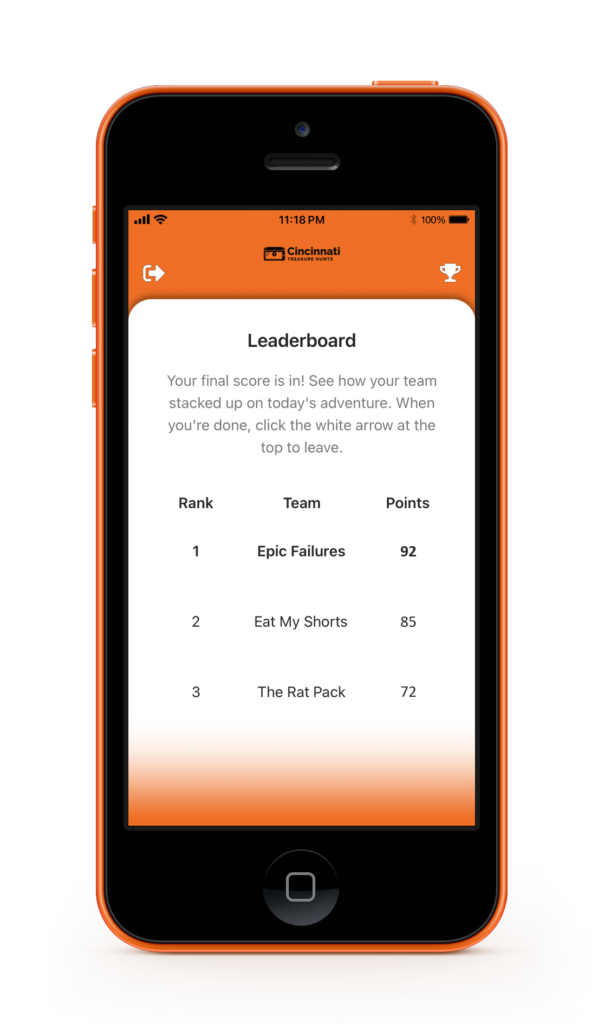
At the end of the treasure hunt, compare your team’s score on the leaderboard to see who comes out on top!
Tap the white arrow icon on the top-left corner of your smartphone to exit the game.
Form Your Teams
Gather your family, friends, or coworkers and divide into two or more teams. Each team will choose a Team Captain who will be responsible for launching the treasure hunt, registering your team, and sharing the game link or QR code with anyone who wants to follow along on their own phone.
Back to Back Bookings
To keep teams competing in the same treasure hunt, book each team in back-to-back time slots. For example, Team A can book 9:00 AM, Team B 9:30 AM, and Team C 10:00 AM.
Each treasure hunt begins at a designated starting location. All teams should make their way there a few minutes before the scheduled adventure begins. You can find your starting point in our website or in your launch email.
Open The Game Link or Scan QR Code
At the starting point, the Team Captain opens the treasure hunt by clicking the game link and entering the game code from the launch email we sent you.
Complete Registration
The Team Captain checks the agreement box, enters their name, and a team name to register the team before the adventure begins. Team Captains is given a QR code or game link for others to join.
Share Game Link or QR Code
Everyone on your team can join the adventure! Team members can scan the QR code from their Team Captain’s phone or open the shared game link to follow along on their own phones.
Start Your Treasure Hunt
After all members have joined through the game link or QR code, the Team Captain taps Click Here to Start button to begin the adventure.
Check the Leaderboard
At the end of the treasure hunt, compare your team’s score on the leaderboard to see who comes out on top!
Tap the white arrow icon on the top-left corner of your smartphone to exit the game.